
FoodByMaria App | Delicious Healthy Food and Recipes for Everyone
Learn how to get the most out of the FoodByMaria app, from meal planning and cooking to shopping, nutrition, and more.
New to FoodByMaria? Start Here
Everything you need to get set up, understand the app, and start cooking with confidence.
1️⃣ Get Started in 2 Minutes
Getting started with FoodByMaria is quick and simple. Follow these steps and you’ll be ready to cook in no time.
- Create your account
Sign up using Apple, Google, or your email address. - Start your free trial
A subscription is required to access content, but you won’t be charged until your free trial ends. - Finish onboarding
Choose a few preferences so we can personalize your experience. - You’re in
You’ll land on the dashboard where you can explore recipes, plan meals, or start shopping.
2️⃣ Navigating the Dashboard
The dashboard is your home base, everything you need starts here.
- Quick Finder
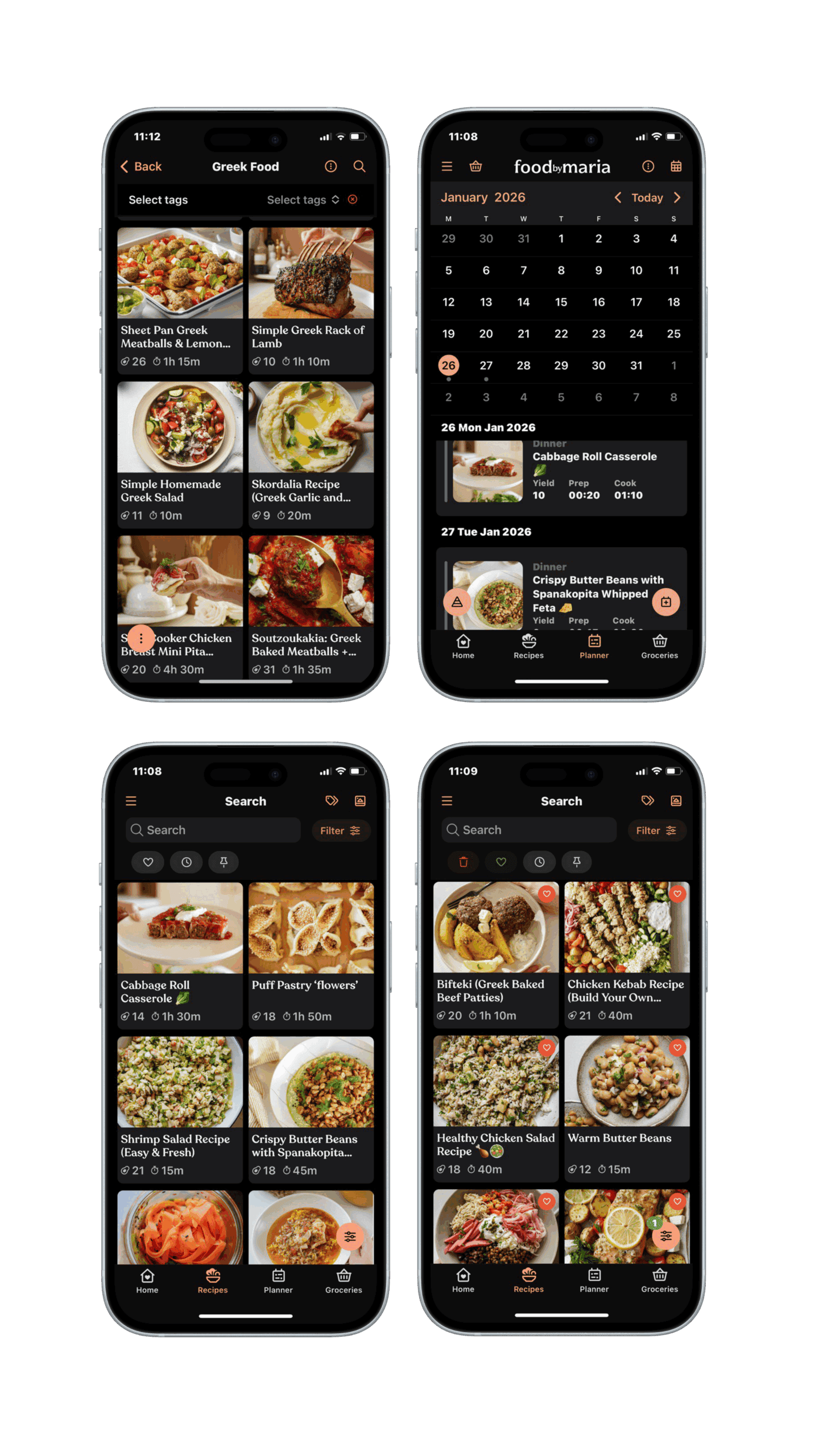
Jump straight into recipes, meal planning, or shopping. - Meal Planner
Plan meals across days and see nutrition totals update automatically. - Recipes
Browse, search, filter, and save your favourites. - Shopping List
Auto‑generated from your meal plan and recipes. - Saved & Pinned
Quickly access recipes you love or want to cook soon.
3️⃣ Setting Your Nutrition Goals
Nutrition goals help tailor recipes, meal plans, and totals to your needs.
- Set your daily targets
Customize calories, protein, carbs, and fats. - Goals power the app
Your goals influence recipe filters, meal planning, and nutrition calculations. - Plans update automatically
Changing servings or meals updates totals in real time. - Edit anytime
Your goals are flexible, adjust them whenever your needs change.
4️⃣ How Subscriptions & Free Trials Work
FoodByMaria requires a subscription to access recipes and features. Here’s how it works.
- Free trial
New users start with a free trial before being charged. - Billing
Payments are processed securely via Apple & Google. - Manage anytime
You can view, change, or cancel your subscription from your account settings. - No surprises
You’ll always see pricing and renewal details clearly.
Lorem ipsum dolor sit
Lorem ipsum dolor sit
Lorem ipsum dolor sit
Lorem ipsum dolor sit
What’s new with the App?
We’ve redesigned and improved FoodByMaria to make planning, cooking, and shopping easier than ever.
✨ Smarter Cooking, Less Effort
➡️ Cook with confidence using intelligent instructions, floating timers, and automatic unit conversions — no extra taps required.
🥗 Nutrition That Adapts to You
➡️ Set custom calorie and macro goals and see nutrition totals update automatically as you plan meals and adjust servings.
🛒 From Recipes to Groceries (instantly)
➡️ Turn recipes into organized shopping lists with images, aisle ordering, and Instacart checkout (US & Canada).
🔍 Find Recipes Your Way
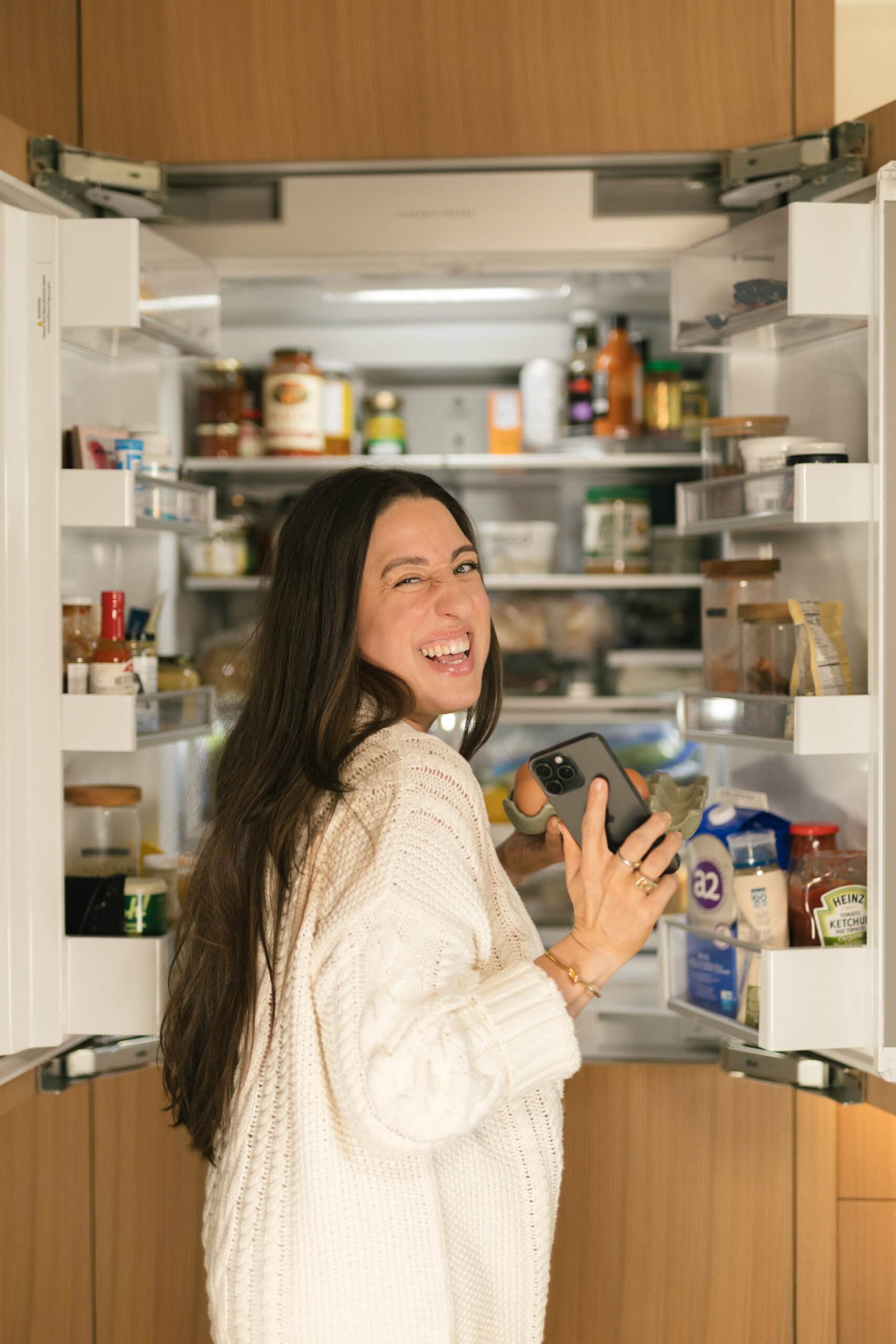
➡️ Search by nutrition, tags, or ingredients, even by taking a photo of what’s in your fridge.
⚡ Faster, Smoother, Everywhere
➡️ Enjoy better performance, improved iPad support, multi‑window views, and seamless syncing across web, iOS, and Android.
🌗 Designed for Real Life
➡️ Light and dark mode, adjustable text size, and better accessibility.
🎲 When You Can’t Decide
➡️ Use the random recipe picker to discover something new, now filtered by tags you care about.
FAQs
Yes. A subscription is required to access recipes, meal planning, shopping lists, and nutrition features. New users start with a free trial so you can explore everything first.
Yes. When you sign up, you’ll begin with a free trial. You won’t be charged until the trial ends, and you can cancel anytime before that.
You’ll be charged automatically at the end of your free trial unless you cancel beforehand.
Yes. You can manage or cancel your subscription at any time from your account settings.
Yes. Your account syncs automatically across all devices as long as you’re logged in with the same account.
Yes. Just sign in on your other device using the same Apple or Google account.
Your data is saved securely. When you log back in, everything will be right where you left it.
You can take a photo of ingredients or your fridge, and the app will suggest recipes using what it recognizes. For best results, make sure items are clearly visible and well lit.
Yes. You can filter recipes by calories and other nutrition values based on your goals.
Ingredient detection works best with clear, common items. You can always add or remove ingredients manually.
Yes. Cooking mode is designed to stay active so you don’t need to unlock your phone while cooking.
Ingredients are automatically linked to their amounts so you can quickly see how much you need without scrolling back.
The app automatically detects temperatures and units and converts them for you (°C / °F, metric, imperial, and Australian units).
Nutrition values are estimates based on ingredient data and serving sizes. They’re designed for guidance, not medical use.
Yes. Nutrition totals update automatically when you adjust servings or modify your meal plan.
Your shopping list is automatically generated from your selected recipes and meal plans + you can also add your own items.
US & Canada!
FoodByMaria uses Apple & Google for secure payments, which may look different from App Store billing but works the same way.
You can manage your subscription and view billing details from your account settings at any time.
Yes. We have adjustable text sizes and both light and dark modes.
We’ve improved performance, memory handling, and large list loading to make everything smoother and quicker.
Yes. The app supports iPad multi‑window modes, and currently, we only support English, with more improvements coming.
No. Your data is handled securely and is not sold to third parties.
We use privacy‑focused tracking options from Apple and Meta, and you remain in control of your preferences.